
Pereview comes equipped with universal search functionality for ease and convenience. Simply type in the corresponding search criteria in the universal search bar in the top right. The search bar will automatically populate a preview of matching results underneath the search bar.

You can click on these results, or you can hit enter to see the full results of the search.
Once you hit enter or click the search icon, you will be taken to the global search page which will provide a full breakdown of your search. Use the various filtering options at the top and left-hand sides of the page to narrow down your results.
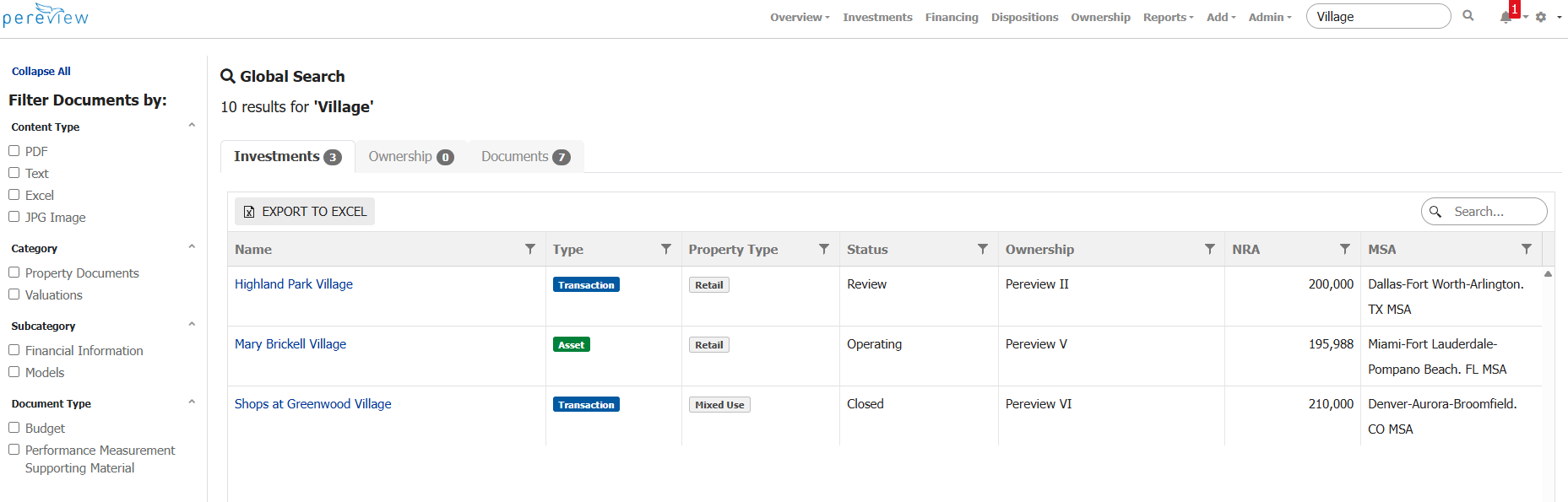
Note: If you are unsure why you are seeing a certain object (Asset, Transaction, Loan, etc.) within your search results, there may be a data point within that object that matches your search criteria.