
Under the Ownership section, users can view and manage Ownership Types and their various associated options and formats. Navigate to this section via Admin in the top nav bar, site and then Ownership in the left hand nav pane.
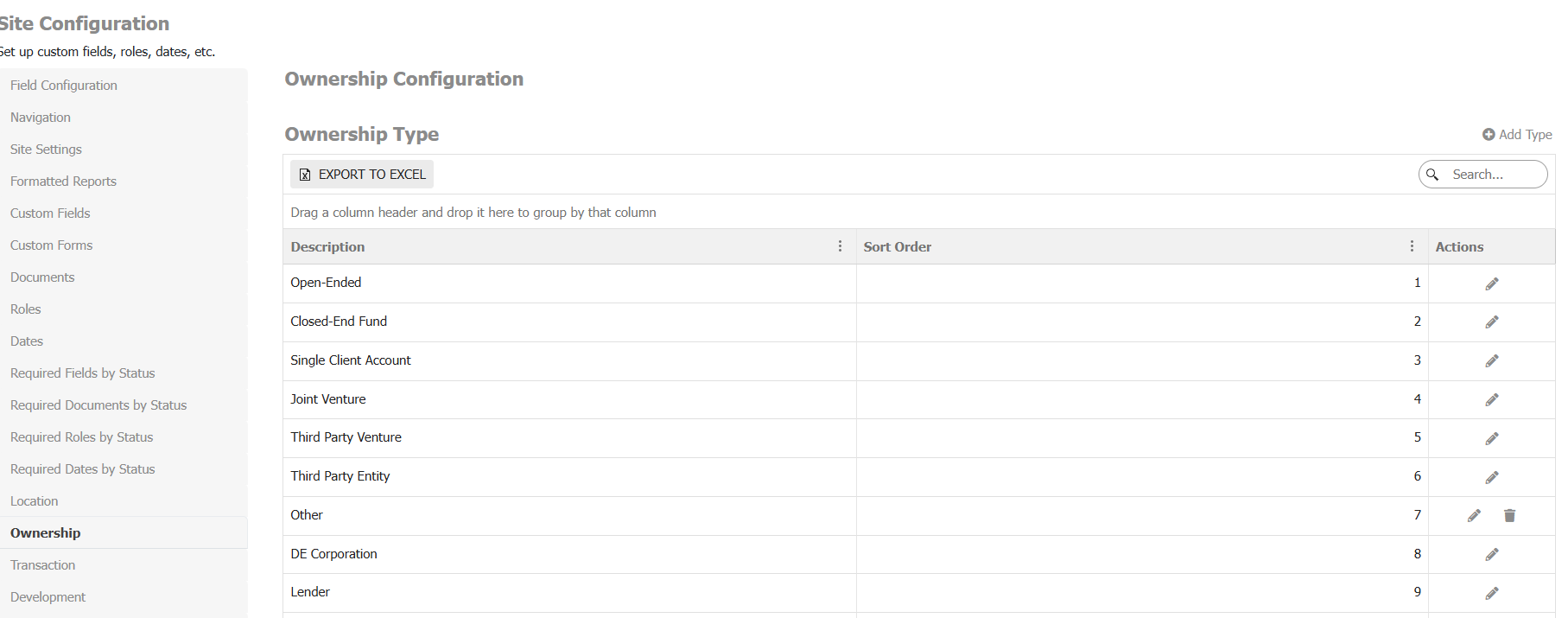
From this page you can view, manage and create the following ownership-related options:
- Ownership Type: Denotes the type of Fund (ex., open-ended, closed-ended, etc.)
- Ownership Layout: Represents the Fund’s zone layout
- Ownership Region: The general geographic region of a Fund
- Ownership Comment Type: Type of comments associated with a Fund and sort order. (ex., Fund update, status notes, etc.)
- Default Reporting Dates: Specify the specific report type, the associated reporting period, and the reporting day for a given required report.