
Ownerships in Pereview represent the parent entity level that owns Investments. The Ownership page in Pereview displays all created ownerships within the application as listed on the Site Configuration -> Ownership page.
The Ownership page can be filtered using the filter checkboxes within the panel on the left side of the screen. Any combination of filters can be set as your default view by utilizing "Save Filters" located at the bottom of the left-hand filter panel.
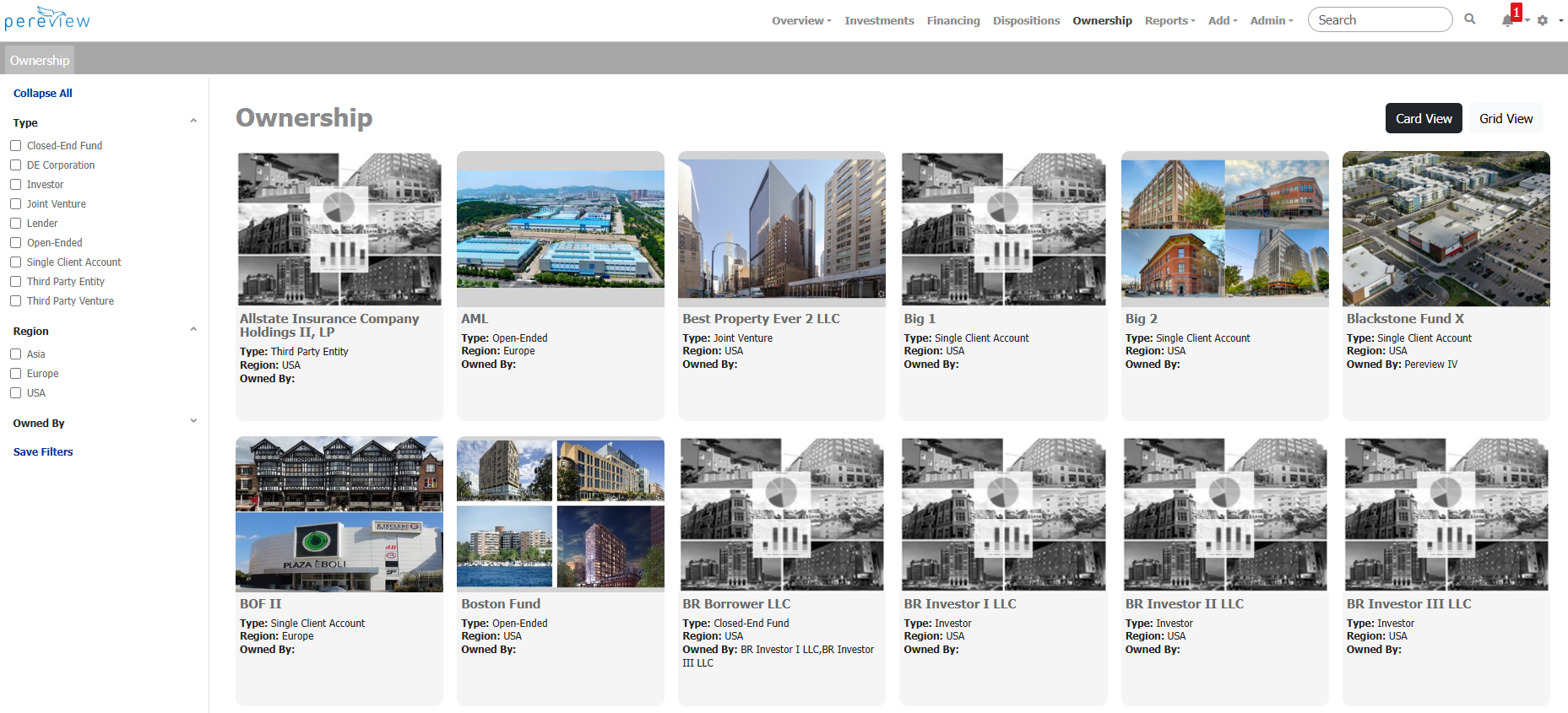
Ownerships can be viewed either in card view or grid view, which can be toggled via the associated buttons in the upper right-hand corner of the screen. Clicking on any of the displayed ownerships will open that specific Ownership page.